
Smart Home Electrical Installation: The Complete Wiring Guide
Smart home electrical installation gets complicated fast if your electrical system, network, and energy management are not designed to interact with each other. A smart home isn't about "smartifying" a standard home by adding smart lights, smart thermostats, smart cameras, or smart speakers. A smart house must integrate smart wiring and communication protocols with appropriate electrical circuits, outlets, switches, network components, and smart energy management.
What is smart home electrical installation?
For smart home electrical installation, the fundamental idea is to prepare the home for wiring and electrical infrastructure that allows all smart devices to function appropriately and safely. A smart home isn’t only about installing smart lighting and switches.
Control lighting – bulbs, dimmers, switches
Upgrade outlets – smart control, existing wiring
Manage HVAC – smart thermostats
Secure your home – cameras, alarms, sensors
Charge EVs – dedicated circuit
Track energy use – whole-house or per-circuit
Store power – batteries for peak management
What wiring does a smart home need?
There isn't a single standard for smart home electrical wiring. The setup must meet your devices' requirements, your home's electrical capability, and your willingness to make allowances for the future.
Electrical wiring
A house typically still needs regular wiring of electrical systems for lights, sockets, appliances, ventilation systems, heating systems, and large consumers like EV chargers. Designation of circuits is determined by the types of equipment being installed, the home's electrical capability, and local code.
In addition, some smart switches, outlets, dimmers, and other connected devices might require special wiring or installation methods. Always check the device specifications before installation.
Data and low-voltage wiring
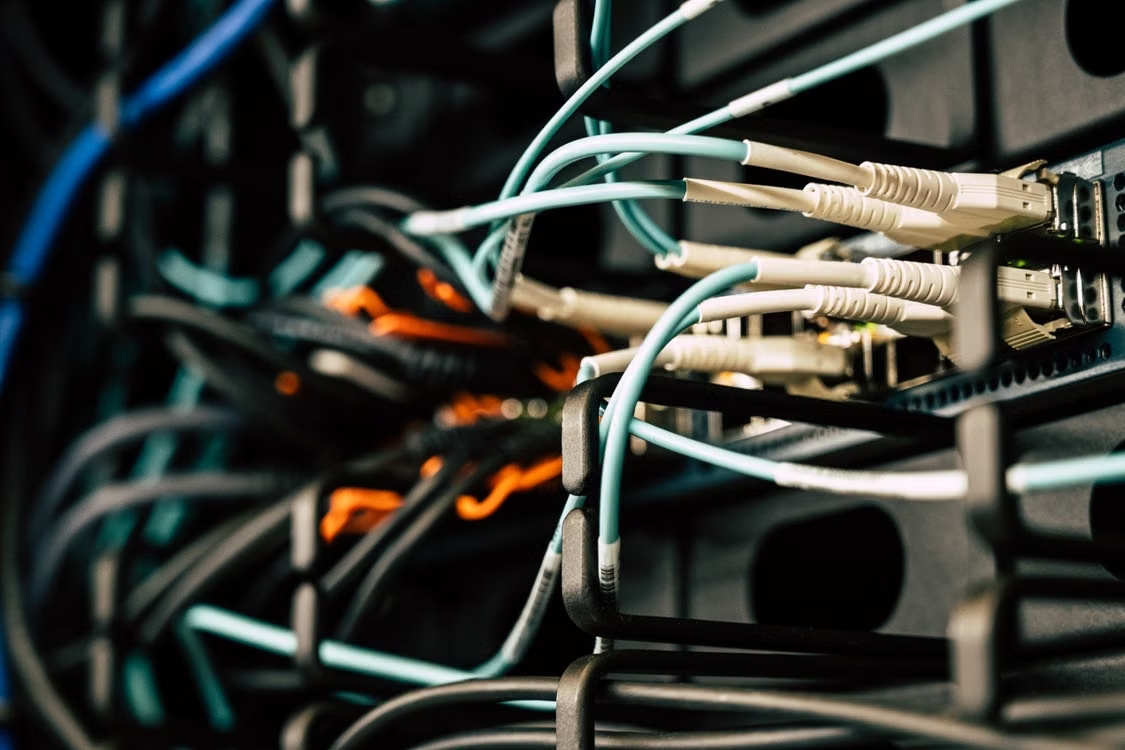
Ethernet and other low-voltage cables are a sure way to wire devices that should be on a network. Good candidates for Cat6 or Cat6A cabling include Wi-Fi access points, security cameras, TVs, workstations, and certain control equipment.
Besides that, there is a Power over Ethernet (PoE) technology, which enables one Ethernet cable to transmit power and data jointly to compatible devices like cameras, sensors, lighting, and touchscreens. Nevertheless, in certain circumstances, the wired setup is very convenient, and it definitely isn't a feature required by every smart gadget.
Future-ready pathways
For new construction or major renovations, consider spare conduit or accessible cable pathways in locations likely to need future upgrades. Label cables and document their routes before walls are closed.
How to plan smart home electrical wiring
Planning everything before the walls are closed can save you a lot of trouble later. Here’s a simple way to approach it:
Step | What to Plan | Key Considerations |
1. Map Each Room | Identify current and planned smart devices | Lighting, outlets, TVs, speakers, cameras, sensors, thermostats, access points |
2. Identify Electrical Loads | Map circuits and high-demand equipment | HVAC, water heating, kitchen appliances, EV charging, solar, batteries, and other major loads |
3. Plan Connectivity | Decide where wired and wireless connectivity will be useful | Ethernet locations, Wi-Fi access points, networking equipment, security devices |
4. Plan Controls & Equipment | Determine locations for switches, outlets, sensors, and control equipment | Device compatibility, accessibility, installation requirements |
5. Plan for Expansion | Build in flexibility for future upgrades | Spare pathways, accessible infrastructure, cable labeling, documentation |
Electrical capacity, circuit requirements, and electrical code compliance should be assessed by a certified and licensed electrician. If you are going to construct a house or renovate one, decide on these matters before walls are built. It is far more convenient to fix issues when the space is still open rather than going through the hassle of removing walls afterward.
Smart house electrical wiring for new construction vs. existing homes
The approach to smart home electrical installation is a little different depending on whether you’re starting from scratch or upgrading an older home.
New construction
With new homes, you can plan everything right from the start. So consider electrical circuits, smart controllers, networking equipment, and energy load management before the walls get finished. If you are getting into solar panels, battery storage, EV charging, or other high-demand equipment, it is good to make provision for them at an early stage rather than trying to squeeze them in at the end.
Existing homes
If you have an existing home, begin by inspecting your electrical panel, wiring, circuits, and overall home automation and wiring. However, some projects might involve more than mere installation of a device and necessitate additional wiring, new circuit connections, or even replacement of an electrical panel. If you're unable to determine the capacity of your current electrical system to accommodate new devices, get expert electrical work done.
Why electrical panels matter in a smart home
The electrical panel is the main supply of your home's electricity; it acts as the central point for the distribution of electricity in your home.
With the increasing number of solar panels, solar battery storage, EV charging stations, electrification of residential HVAC, and other such high power consumption, it is becoming more important to know the pattern of electricity usage & distribution in your house.
Better home energy management can be achieved with a smart electrical panel in addition to energy monitoring, which could also provide control of circuits, depending on the system.
Do you need a smart panel for a smart home? No. It’s an optional upgrade, mainly useful when you want more visibility and control over your energy use.
Adding smart energy management to your home
Once all your smart devices and electrical systems are installed, they will integrate to support you with home energy management, covering connected devices, home energy monitoring, solar power generation, energy storage through batteries, backup power supply, and Smart Load Control.
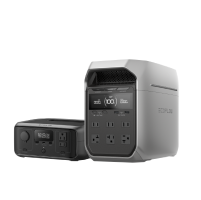
The EcoFlow OCEAN Pro can integrate with your system and provide energy storage and backup power in relation to solar power generation and smart energy usage control.
Smart energy management
Battery storage as part of a larger energy-management system can help store excess solar energy, supply backup during outages, manage energy around utility rate periods, coordinate power sources, as well and monitor household consumption.
Your electrical loads, utility rates, solar production, system configuration, and local conditions are only a few factors that will determine how the battery performs and potential savings.
EcoFlow OCEAN Pro and the smart electrical panel
Is it possible to make your battery and electrical panel not just work together but also act as a unified system?
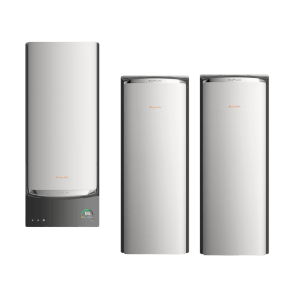
EcoFlow OCEAN Pro solar battery system offers a solution allowing you to combine solar panels, grid power, battery storage, and generators together, supporting solar input of up to 40kW, continuous output of 24kW, and a flexible storage solution from 10kWh to 80kWh.
Meanwhile, the EcoFlow OCEAN Smart Electrical Panel 40 provides the control level; it supports up to 40 smart circuits, energy measurement for individual circuits in real time, load prioritization, and your personal energy schedules. Furthermore, it can switch the power source to backup very quickly, in less than 10 milliseconds, which helps synchronize OCEAN Pro with electrical loads at home.

Get Your Free Home Energy Consultation!
Which energy solution are you interested in?
Common smart home wiring mistakes to avoid
Sometimes, a few little things are planned incorrectly, making the upgrading of smart home devices more troublesome and expensive than it should be.
Not planning for the electrical system first: Installing smart devices without thinking about the electrical system can lead to compatibility issues with the existing system or result in insufficient electrical system design for smart home devices.
No provision for future upgrades at installation: Imagine you want an extra device, an EV charger, or solar panels later. Leaving no spare cabling or conduits from the start might limit future upgrade capacity.
Not taking into account major electrical consumers: Make preparations for EV chargers, heaters, big appliances, energy storage systems, and other equipment that can require a large amount of electricity and potentially put strain on the electrical system.
Diving into it as a DIY electrical project: Setting up an app or wiring a smart device is not the same as rerouting electrical wires. Qualified electricians should assess and do complex electrical jobs.
Conclusion
Smart home electrical installation is not solely about the smart devices themselves, but also about a smart electrical plan that focuses on power, data, automation, safety, and future-proofing, not just individual devices.
With the increasingly common addition of solar systems, batteries, and EVs to homes, the electrical panel itself plays an important role in energy management. Homeowners looking to tie together generation, storage, backup, and smart energy management in homes should consider the EcoFlow OCEAN Pro solar battery system. This system is backed by the EcoFlow OCEAN Smart Electrical Panel 40 for circuit-level monitoring and control.
FAQs
What wiring is required for a smart home?
A smart home typically needs standard electrical wiring for lights, outlets, appliances, and other equipment. Some devices may also benefit from Ethernet or other low-voltage wiring, while many can connect wirelessly.
How much does a smart home installation cost?
There’s no single price for smart home electrical wiring. Cost depends on the home’s size, existing electrical system, number of devices, wiring changes, networking needs, and equipment such as batteries or EV chargers.
Can you legally wire your own house?
This depends on local electrical codes and regulations. Some areas allow limited DIY electrical work, while others require permits or licensed electricians. Check local requirements before doing electrical work.

