
How to Make a Smart Home: Transform Your Home in Simple Steps
Ever wondered: how to make a smart home? Building a smart home doesn't have to be difficult or expensive. You can start with a small system, automate your day-to-day tasks and grow your system over time with the right strategy. If you're concerned about energy efficiency, you might install a smart home battery backup system, so you can monitor electricity consumption and optimise your home's power use from a single point of control. Here's how to make your house a smart house.
What is a smart house
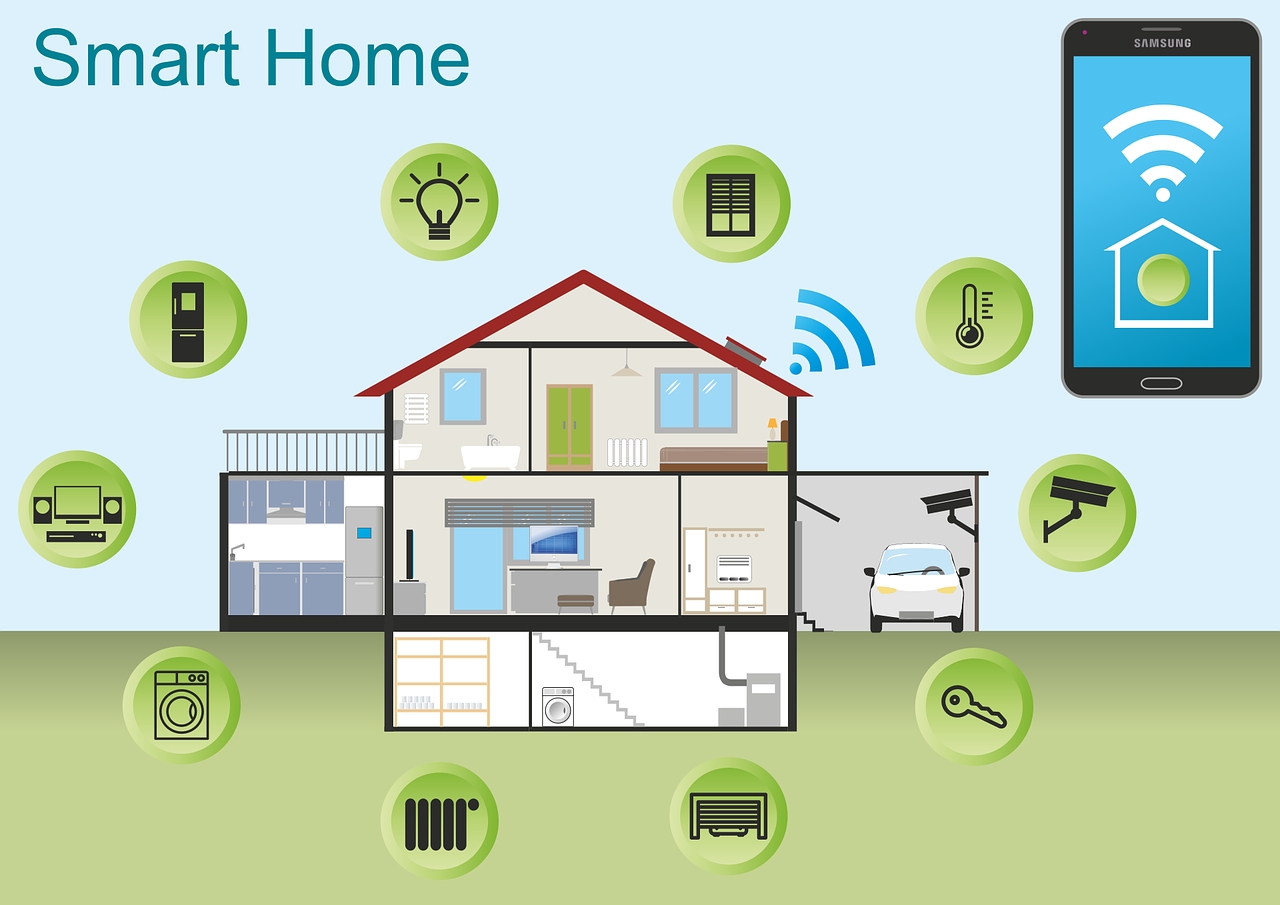
A smart house is equipped with devices connected to the internet that can communicate with each other to automate, monitor and control various functions of the house. These devices can include smart lighting, thermostats, security cameras, door locks, appliances, entertainment systems and energy management solutions. Most smart devices can be controlled remotely using a smartphone app, tablet or voice assistant.
The main purpose of a smart home is to facilitate everyday life by simplifying everyday tasks, enhancing the safety of the home, providing more comfort and reducing energy consumption.
What you need before building a smart home
Define your smart home goals
Security and surveillance
If you're looking to secure your home, choose smart security cameras, video doorbells, smart locks, motion sensors and alarm systems. Whether you're at home or away, these devices give you peace of mind, real-time alerts, and remote monitoring.
Energy savings and sustainability
A lot of homeowners build smart homes to cut down on electricity consumption. Smart thermostats, energy monitoring systems, smart lighting and automated power management help identify unnecessary energy use and reduce monthly utility bills while supporting a more sustainable lifestyle.
Convenience and automation
Smart homes help automate repetitive tasks and make daily routines easier. You can program lights to come on before sunset, remotely control appliances, automate curtains or set routines to control multiple devices with a single command.
Entertainment and comfort
A smart home can also improve your entertainment experience by connecting smart speakers, televisions, streaming devices and multi-room audio systems. Smart climate controls and automatic lighting make living more comfortable and reduce the need for manual adjustments.
Check your home network
A solid network serves as the bedrock of every successful smart home. Most devices use Wi-Fi or other forms of wireless communication, so network performance directly affects responsiveness and reliability.
If your Wi-Fi signal is weak, it can cause devices to disconnect, respond slowly or fail to automate correctly. Before you start adding smart devices, make sure your home has strong wireless coverage in every room where you'll be putting multiple smart devices.
How to make your home a smart home
Start with a smart home hub or a voice assistant
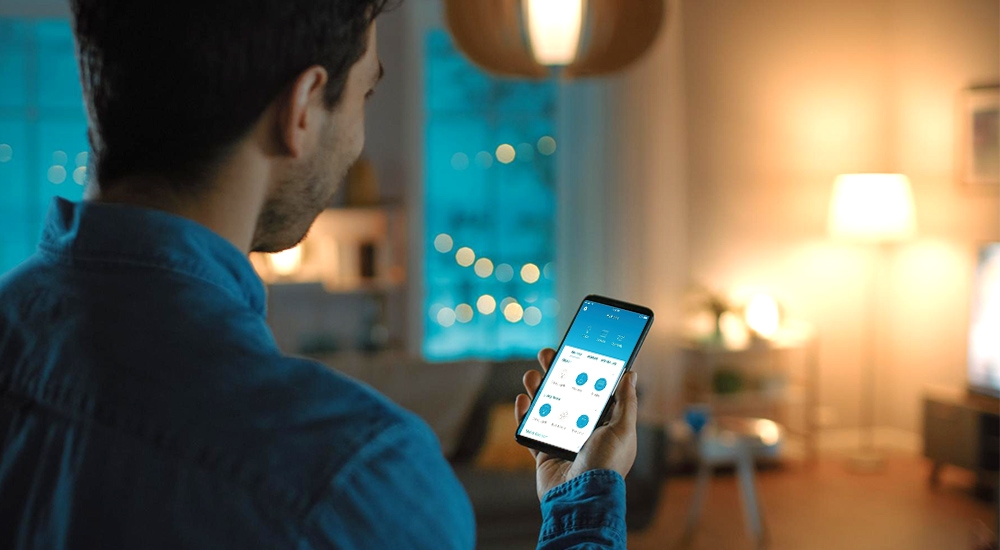
The best way to get started is to pick a central platform that controls all of your smart devices. Voice assistants such as Amazon Alexa, Google Assistant, and Apple HomeKit enable you to control multiple products via voice commands and smartphone apps.
A smart hub turns your home into a command center, enabling devices from different manufacturers to communicate with each other. Starting with one ecosystem also makes future upgrades much easier.
Upgrade Your Lighting with Smart Controls
Smart lighting is a common first step that many homeowners take to instantly increase convenience and save energy. Smart bulbs, switches and dimmers allow you to control lighting remotely, set schedules, and automate lights based on occupancy or time of day.
Also, many systems incorporate motion sensors and voice control, which can switch lights on automatically when someone enters a room or as natural daylight begins to dim.
Enhance Home Security with Smart Devices
Smart security products provide substantial home security upgrades, offering homeowners remote access and real-time alerts. Think about getting smart door locks, video doorbells, indoor and outdoor cameras, window sensors and motion detectors.
Integrated security systems allow you to monitor activity remotely, receive instant alerts when there is suspicious activity and even automate lighting to simulate occupancy while you are away.
Improve Comfort with Smart Climate Control
Smart thermostats and climate control systems automatically manage heating and cooling based on occupancy, weather conditions, and personal preferences. This increases comfort while cutting down on wasted energy.
Most smart thermostats will learn your daily routine and do a good job of creating smart schedules over time, so you won't have to constantly adjust the temperature to find the best balance of comfort and savings.
Add Smart Plugs and Smart Appliances
Smart plugs are a cheap way to make regular appliances smart without replacing them. They let you control, program and monitor the energy consumption of devices such as lamps, coffee makers, fans, and TVs from any location.
As your smart home grows, you might also want to add connected appliances like refrigerators, washing machines, robotic vacuum cleaners and smart ovens to work with your automation system.
Create Powerful Home Automation Routines
Automation is what turns individual smart devices into a truly smart home. Automation lets you trigger a number of actions at once, instead of controlling one device at a time.
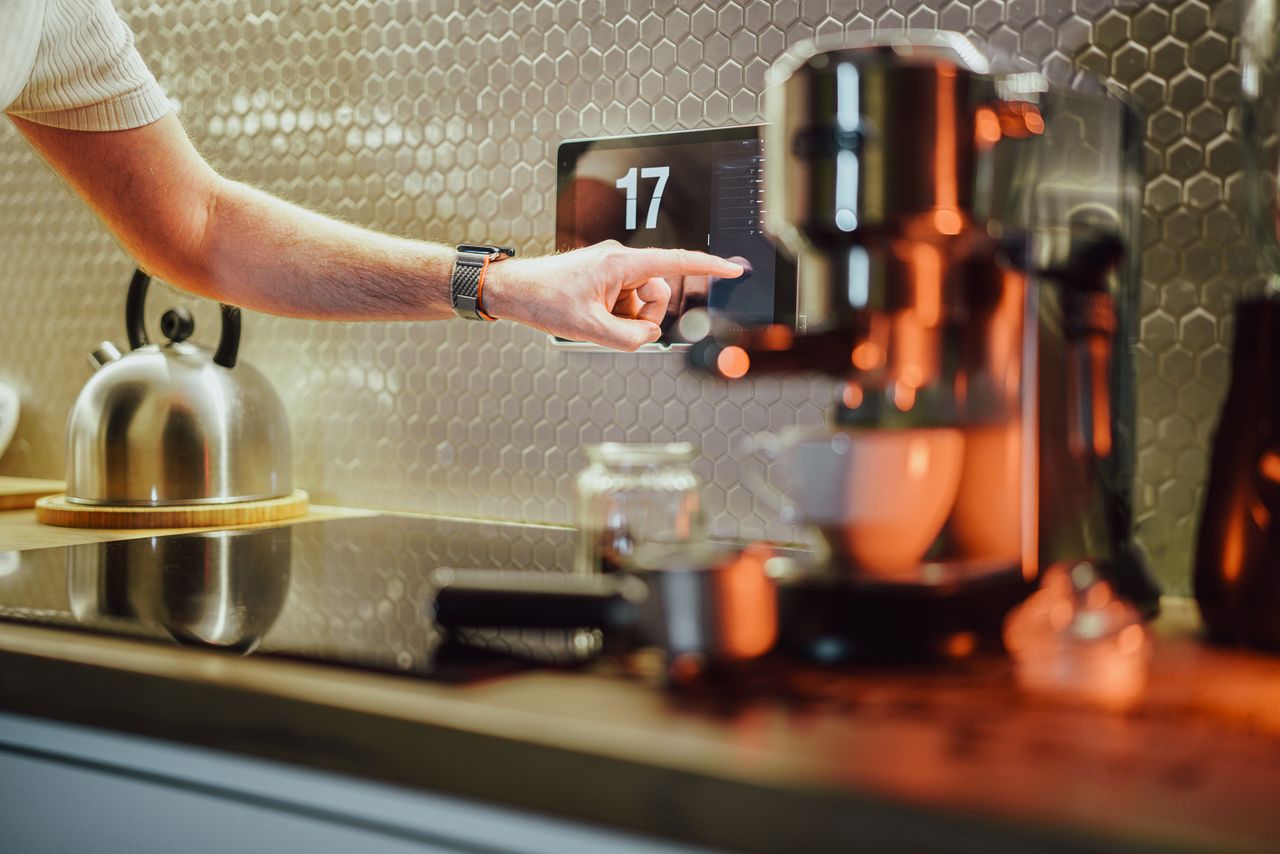
For example, a "Good Morning" routine might gradually increase lighting, adjust the thermostat, open smart shades, and turn on the coffee maker. A "Leaving Home" routine can lock doors, turn off lights, lower the thermostat and power down security cameras - all with one tap or voice command.
Smart Home Energy Management
An intelligent energy management system is one of the best additions to a modern smart home. It's more than just being able to turn lights or appliances on or off; it's about helping you understand exactly how electricity is generated, stored and used around your home.
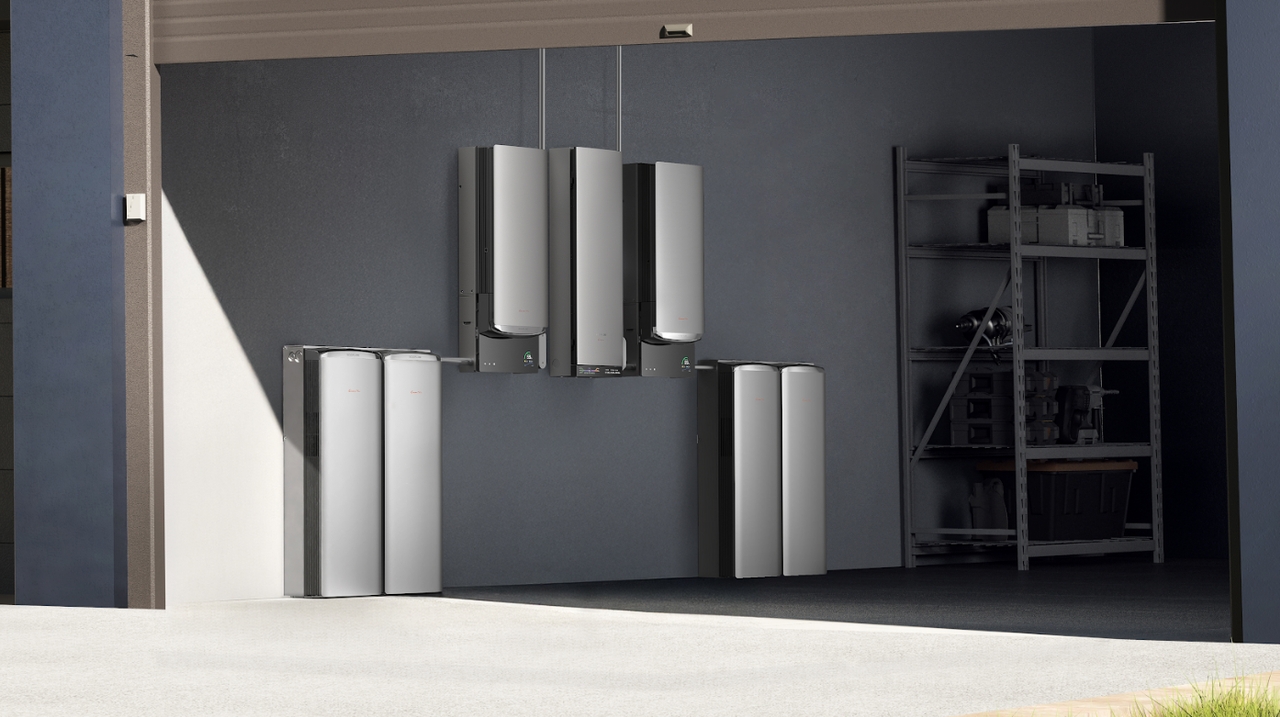
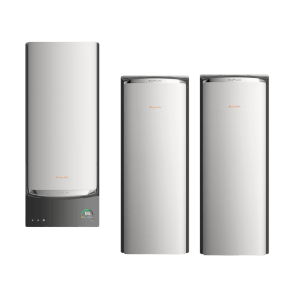
A powerful combo for this is the EcoFlow Ocean Pro and the PowerInsight 2 Monitor. OCEAN Pro is built to operate seamlessly within EcoFlow's smart home ecosystem, offering a whole-home energy storage system to provide reliable backup power, plus smart household energy management. It supports up to 40kW of solar input and delivers 24kW of continuous output to power high-demand household appliances.
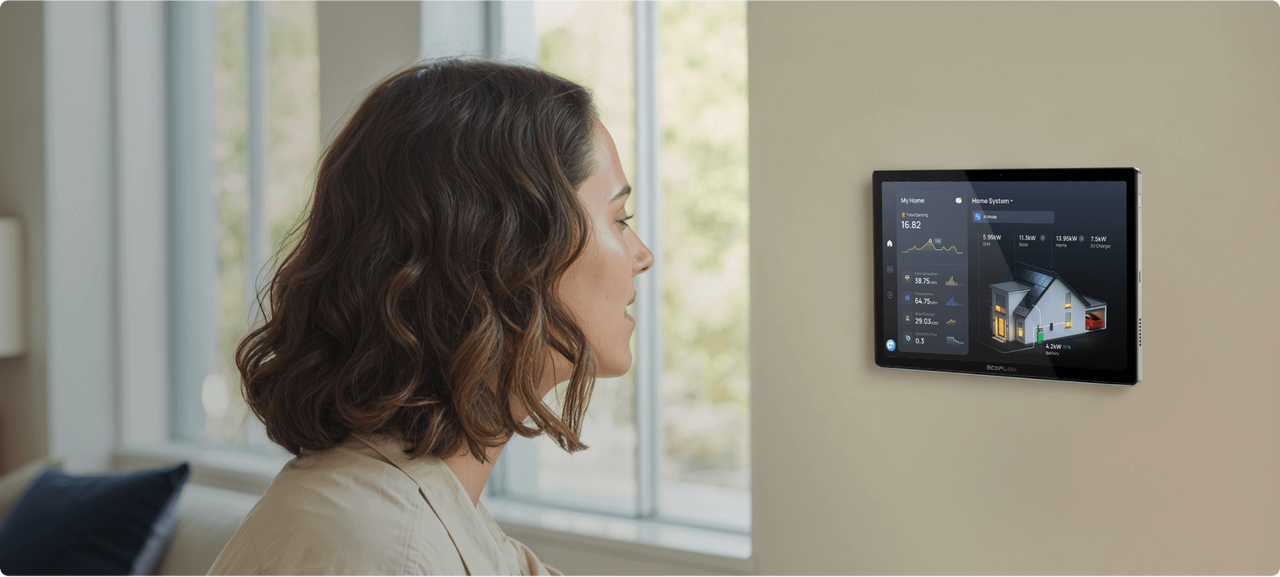
The system is complemented by the PowerInsight 2 Monitor, which serves as the visual control center for your smart home's energy ecosystem. The 11-inch 1920 × 1200 IPS touchscreen provides real-time information about solar generation, battery charging and discharging, and household electricity consumption in an easily digestible dashboard. PowerInsight 2 is not only an energy monitor but a smart home control interface that works with Matter 1.4, allowing you to control compatible smart lights, thermostats, plugs and other connected devices from one place instead of multiple apps.
Get Your Free Home Energy Consultation!
Which energy solution are you interested in?
Common smart home mistakes to avoid
Buying devices without checking compatibility
Purchasing devices from various ecosystems without verifying compatibility often leads to fragmented systems that don't communicate well. Always check compatibility before purchasing new smart home devices.
Ignoring network requirements
No matter how clever the device, it won't work reliably on a bad wireless network. Good Wi-Fi coverage from the start will prevent connection issues and improve overall system performance.
Overcomplicating automation
Advanced automation is wonderful, but if you build too many complex routines, it can cause confusion and maintenance headaches. Start with simple automations that solve everyday problems, and then scale as needed.
Neglecting security and privacy settings
Smart homes are connected homes, and so cybersecurity is an important consideration. For added security, use strong passwords, turn on two-factor authentication if available, regularly review device permissions and protect your home network.
Skipping firmware and software updates
Manufacturers regularly release updates to improve performance, fix bugs, and address security flaws. By updating devices, you'll keep your smart home reliable, secure and able to use new features.
Conclusion
You don't need to replace all your appliances overnight to build a smart home. When thinking about how to make a smart home, start with a reliable smart home platform, improve your home network, and then slowly add lighting, security, temperature control, and automation features to build a connected home that fits your budget and needs.
Taking a strategic, step-by-step approach will allow you to build your smart home over time, without wasting money or worrying about compatibility. Also, there are smart energy management solutions that can make your home even more efficient, providing more insight and control over your electricity consumption. So, what are you waiting for? Request a consultation today and make a smart home now.
FAQs
What is the easiest way to start building a smart home?
The easiest way to get started is to pick up a smart speaker or voice assistant like Amazon Alexa, Google Assistant or Apple HomeKit, and add smart bulbs or smart plugs. These low-cost devices are easy to install and offer immediate benefits with voice control and automation.
How to DIY a smart home?
You can build a smart home on your own by selecting compatible smart devices, offering reliable Wi-Fi coverage and connecting everything via a smart home app or hub with a smartphone. Begin with lighting and plugs and slowly incorporate security devices, climate control and energy management systems as your needs change.
What is the cost of a smart home?
The price you pay will depend on the size of your house and the level of automation you want. Basic smart home systems that include a voice assistant, smart bulbs and smart plugs might cost a few hundred dollars, while a fully integrated smart home that includes security, climate control and energy management can cost several thousand dollars and up.
Can smart homes help reduce electricity bills?
Yes. Smart homes can help cut down on electricity bills by automating lighting, heating and cooling schedules, monitoring the energy usage of appliances and eliminating unnecessary power consumption. Smart home energy management systems give homeowners deep insight to make more energy-efficient decisions.
Are smart home devices secure?
Most reputable smart home devices come with security built into them, but it has to be set up right. To help keep your privacy and security at its highest, use strong passwords, enable two-factor authentication where possible, keep your firmware up to date, and buy products from reputable manufacturers.

