Power Blackout Melbourne: Outage Map, Causes, and Emergency Preparation Guide
Victoria’s weather keeps you guessing – scorching summers, wild winter winds, and the grid cops a hiding either way. This guide covers why blackouts happen in Melbourne, how to check outage maps, what to do when the power drops, and how to get some backup sorted so you’re not sitting in the dark next time.
Quick Answer: What Should You Do During a Power Blackout in Melbourne?
First up, take a breath and work out whether it’s just your place or the whole street. Check your safety switch and have a look outside, see if the neighbours still have lights. If they’re out too, jump on your mobile data and check the outage map for your distributor – CitiPower, Powercor, Jemena, AusNet, or United Energy, depending on your area. That’ll show you how big the outage is and when they expect to have it sorted.
Unplug your sensitive electronics so they don’t cop a surge when the power fires back up. Keep the fridge and freezer shut to protect your food. Turn off heavy‑draw stuff like air conditioners. Stick to torches, not candles. And if anyone relies on essential medical equipment or you spot any downed lines, call emergency services straight away.
Key Takeaways
Melbourne blackouts are generally caused by severe weather, infrastructure issues, planned works, or just things going wrong unexpectedly.
Your distributor’s outage map is usually the most reliable place to check what’s happening and when they think it’ll be back.
When the power drops, put safety first. Look after your electronics and keep in touch with those around you.
And if you’ve got backup power sorted, plus some decent energy management, you’re way better placed to ride out the next one.
Why Do Power Blackouts Happen in Melbourne?
Knowing why the power drops out helps you stay ahead of the game and know what to do when the grid goes down.
Common Causes of Power Outages in Melbourne
Melbourne’s electricity network includes a combination of overhead lines, underground infrastructure, and different network conditions across suburbs. Various weather events and physical factors can affect the reliability of local electricity supply.
| Outage Cause | Common Triggers | Areas Commonly Affected |
|---|---|---|
| Severe Weather | Strong winds, storms, lightning, fallen trees | Outer East, Dandenong Ranges, Yarra Valley, Mornington Peninsula |
| Heatwaves & Peak Demand | Extreme heat, high air con use, transformer stress | Melbourne metro, Western suburbs |
| Equipment Failure | Ageing infrastructure, transformer faults, wildlife contact | Inner suburbs and local networks |
| Planned Maintenance | Grid upgrades, pole works, vegetation management | Areas across Victoria |
| Third-Party Damage | Vehicle crashes, construction or excavation damage | Growth areas and major roads |
Planned Maintenance vs. Unexpected Power Outages
Not every blackout’s an emergency. The power companies regularly shut things off on purpose – upgrading gear, trimming trees near high‑voltage lines, or swapping out old transformers. In Victoria, electricity distributors generally provide advance notice of planned outages through channels such as mail, text messages, or email.
Unexpected blackouts are a different story – they happen out of the blue thanks to sudden grid faults, wild weather, bushfires, or a car taking out a power pole.
Factors That Make Some Melbourne Areas More Prone to Outages
Where you live in Melbourne makes a big difference to your blackout risk. Some outer suburbs with more overhead lines and surrounding vegetation can experience higher outage risks during severe weather, so when it’s windy, branches bring them down. Out west and north, the newer suburbs can have the grid struggle on hot days. Inner city? It’s often old underground cables that cause the grief.
Typical Power Outage Duration
Many Melbourne suburban outages are restored within a few hours, although restoration times can vary depending on the cause, location, and extent of damage. However, severe weather events, bushfires, or major infrastructure damage can lead to situations where power outages last 24 hours or longer, especially in areas requiring extensive repairs. But when the weather turns nasty, like those big storm fronts that’ve ripped through Victoria in recent years, it’s a different story. Widespread damage can mean structural repairs, and heavily treed or storm‑hit areas can be left without power for a day or two, sometimes longer.
How to Check Melbourne Power Outage Status?
When the power goes out, getting the right info quickly saves you a lot of stress and helps you work out what to do next.
Find Official Outage Maps and Electricity Distributors
Melbourne does not have a single power provider; instead, electricity distribution is divided among five regulated network operators. To check your outage status, identify which network operator covers your address:
CitiPower: Covers Melbourne CBD and inner-city suburbs.
Powercor: Serves Melbourne’s western suburbs and western regional Victoria.
Jemena: Covers Melbourne’s northern and north-western suburbs.
United Energy: Serves southern suburbs, South-East Melbourne, and the Mornington Peninsula.
AusNet Services: Covers Melbourne’s outer eastern suburbs, Yarra Valley, and eastern Victoria.
Each distributor maintains a mobile-friendly, real-time outage map on their website allowing you to search by address or postcode.
Understand Outage Status and Restoration Estimates
Understanding your home’s electricity usage can also help with long-term outage preparation. A smart meter provides more detailed information about energy consumption, helping households better understand their usage patterns and plan future energy upgrades.
When reviewing an online outage map, status tags provide insights into restoration progress. “Under Investigation” means crews are en route to locate the fault. “Crew Assigned” or “Work in Progress” indicates technicians are actively repairing the issue on-site. The “Estimated Restoration Time” (ETR) is a real-time calculation based on damage severity; however, during severe Melbourne storm events, initial ETRs may be extended as crews clear fallen debris before safely making electrical repairs.
Report a Power Outage or Safety Hazard
If your property drops power but your distributor’s map shows no active outage in your street, you should report it immediately via their emergency telephone hotline or web portal. Crucially: if you spot a fallen powerline, treat it as live and deadly. Stay well clear of fallen powerlines and follow your distributor’s safety instructions.
What Should You Do During a Power Blackout?
Having a clear, step‑by‑step plan keeps everyone safe, stops food from going off, and protects your gear from damage.
Immediate Safety Steps After the Power Goes Out
When a blackout hits, follow these immediate steps:
Check your main switchboard to confirm a trip switch or safety switch hasn’t flicked off inside your home.
Look out the window to see if streetlights or neighbours’ houses are also dark.
Turn off major heating or cooling appliances, ovens, and cooktops to prevent fire hazards when power abruptly restores.
Use battery-powered LED torches or lanterns rather than candles to eliminate fire risks.
Protect Food, Medical Equipment, and Sensitive Electronics
For households using battery-based backup systems, battery safety and monitoring are also important during extended outages. Technologies such as an EcoFlow BMS help monitor battery status and provide protection features during long-term energy storage and backup use. For households using battery-based backup systems, battery safety and monitoring also play an important role during extended outages. Technologies such as an EcoFlow BMS help monitor battery status and provide protection features during long-term energy storage and backup use. And if you’ve got anyone at home on medical gear like a CPAP or oxygen machine, get your backup plan rolling straight away.
Stay Connected During Extended Outages
When blackouts drag on, mobile towers can lose backup power too, and your data might drop out. Keep a fully charged power bank handy to top up your phone. And dig out a battery‑powered or hand‑crank AM radio – ABC Radio Melbourne on 774 AM – for official updates if things get serious.
Know When to Contact Emergency Services
Avoid calling 000 for general outage updates or restoration times. That number’s for life‑threatening emergencies – fires, fallen powerlines, electrical hazards, or cables blocking a road. For regular outage updates, stick with your distributor’s hotline or check their website.
.png)
How Can You Prepare Your Home for Future Blackouts?
A bit of forward planning turns a power outage from a drama into just a temporary hiccup.
Choose the Right Home Backup Power Solution
Parts of Greater Melbourne can cop blackouts that last hours or even days – autumn storms, winter weather, or the grid struggling on scorching summer days. When the power goes out, what you really need to keep running are the essentials: fridge, lights, Wi‑Fi, security system. Not every heavy‑duty appliance in the house. Having a backup setup that’s tailored to what you actually need makes a big difference to how much it disrupts your day.
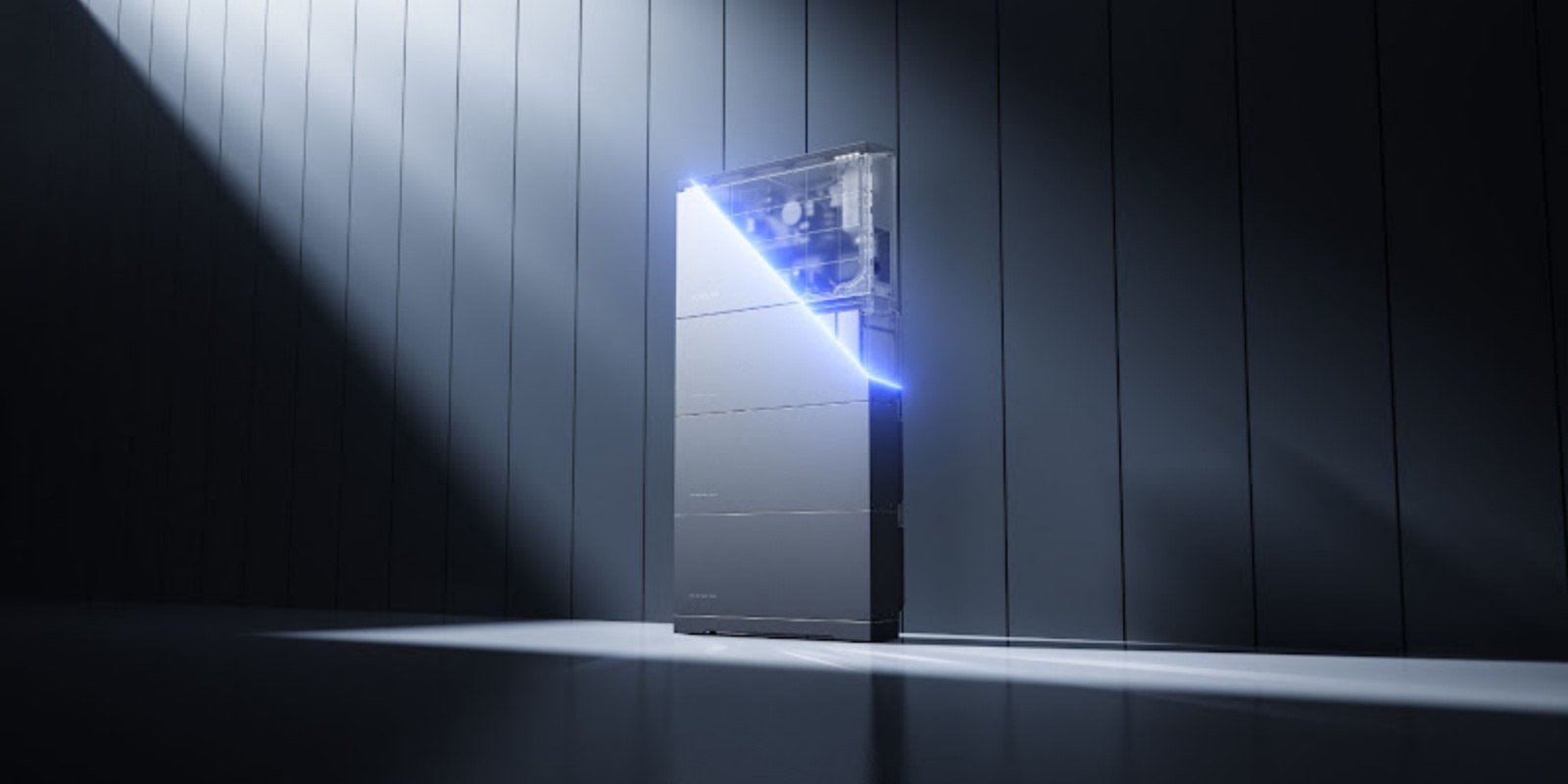
If you’re after long-term resilience, a dedicated home battery like the EcoFlow OCEAN 2 Plus Single Phase can keep essential circuits powered during an outage. It provides backup power for essential household needs, helping your family stay comfortable and connected while waiting for grid restoration.
Automatic Backup Power for Essential Household Circuits
Modern home battery systems can be wired into your switchboard so your essential circuits – lights, kitchen power, internet – keep running during a blackout. For homeowners looking to improve energy resilience and reduce reliance on the grid, an EcoFlow Solar Battery solution can provide a practical way to store solar energy and use it when backup power is needed. In Victoria, any work that connects directly to the switchboard has to be done by a licensed sparky using an approved transfer switch that meets Australian Standards (AS/NZS 3000 and AS/NZS 5139). Once properly installed, a compatible backup system can automatically switch essential circuits to battery power when the grid drops out, helping keep essential household loads running without manual intervention.
Manage Energy Use During Extended Power Outages
When the power’s out for days on end, how you manage your backup juice makes all the difference. Say a winter storm knocks out power across Melbourne for a few days – you might be running the fridge, lights, Wi‑Fi, and maybe even medical gear all at once. If you can’t see what you’re using, your battery can drain fast and leave you stuck before the grid comes back.
Smart energy management displays like the EcoFlow PowerInsight 2 give you a live view of your whole setup. You can see exactly where your power’s coming from – solar, battery, or both – and what your home’s using in real time. That means you can track how much you’ve got left, tweak your usage, and make your battery last longer when the blackout drags on.
Schedule Your Free Consultation Today!
What kind of product or solution are you interested in?
Conclusion
Power outages are a fact of life in Melbourne. Winter storms, scorching summer days, or just routine maintenance – they happen. Know who your distributor is, keep their outage map handy, have an emergency kit ready, and take a few simple precautions when the power goes out. It’ll save you stress and protect your gear. If you want to reduce the disruption caused by outages, look into home battery storage and smart monitoring – you’ll be better prepared to stay powered and connected during future outages.
FAQ
How do I check Melbourne power outage updates?
Check live outage updates by heading to your local distributor’s website – CitiPower, Powercor, Jemena, United Energy, or AusNet – depending on your area. Pop your address or postcode into their outage map and you’ll see active faults, what’s causing them, and when power’s likely to be back on.
Why do my neighbours have power but I don't?
Your place might be on a different feeder circuit or phase to your neighbours. Or it could be an issue on your individual service line, or a safety switch that’s tripped inside your own switchboard.
Which appliances should I unplug during a blackout?
Unplug sensitive stuff like TVs, computers, microwaves, and gaming consoles. That way they’re protected from any voltage spikes or surges when the power comes back on.
Can solar panels work during a power blackout?
Standard solar systems usually shut down automatically during a blackout to prevent electricity from feeding back into the grid while crews are working. They will not continue powering your home unless you have a blackout-capable inverter, battery system, and appropriate backup configuration. So they won’t keep your lights on unless you’ve got a blackout‑capable inverter and a designated backup circuit set up.
Adding a battery with backup capability can provide power during outages, depending on the system setup and available stored energy. Some newer systems with sunlight‑backup microinverters can also give you limited daytime power without a battery, but you’ll need a compliant gateway or switch installed to make that work.
Can a home battery provide backup power during a blackout?
Yes, if it’s set up for backup. Systems with an automatic transfer switch can automatically switch essential circuits to battery power shortly after the grid goes down, depending on the system configuration.